
School-book practice with a patient AI tutor
Turn a page from your child’s school book into a guided lesson
SubjectPal teaches from the page your child is actually using: it asks, gives hints, teaches when needed, and shows you what they can do on their own.
- Hints first, teaching when needed
- From their own school book
- No account needed to try
Try SubjectPal with one page
Use a page your child is learning now.
- No account or card needed for this first lesson.
- English books for now.
- Choosing a file sends nothing yet: you see the page first. About your uploads
What we noticed
A stuck child rarely asks for help. They go quiet.
“I don’t know” shouldn’t be where it ends
The tutor asks a smaller question or gives a hint, then waits for your child’s own answer.
Homework comes from a page in the school book
Most learning apps bring their own exercises. SubjectPal works from that page, the way the book explains it.
You can’t sit beside them every evening
Short lessons help with the page in front of them, and you see how it went.
How it works
One page, a patient tutor, and you see how it went
Add the material
Upload or photograph a page your child is using, or try our example.
Learn with the tutor
SubjectPal turns the page into a guided lesson. Your child can talk or type.
See what sticks
See what they did on their own, where they needed help, and what they remembered later.
After you create an account, add the whole book and keep the progress together.
Their book stays at the centre
Lessons follow the material they’re studying. When the book asks them to think further, the tutor helps them reason it through.
Hints first, teaching when needed
The tutor gives your child a chance to work it out, offers hints when they’re stuck, and explains it when they need teaching.
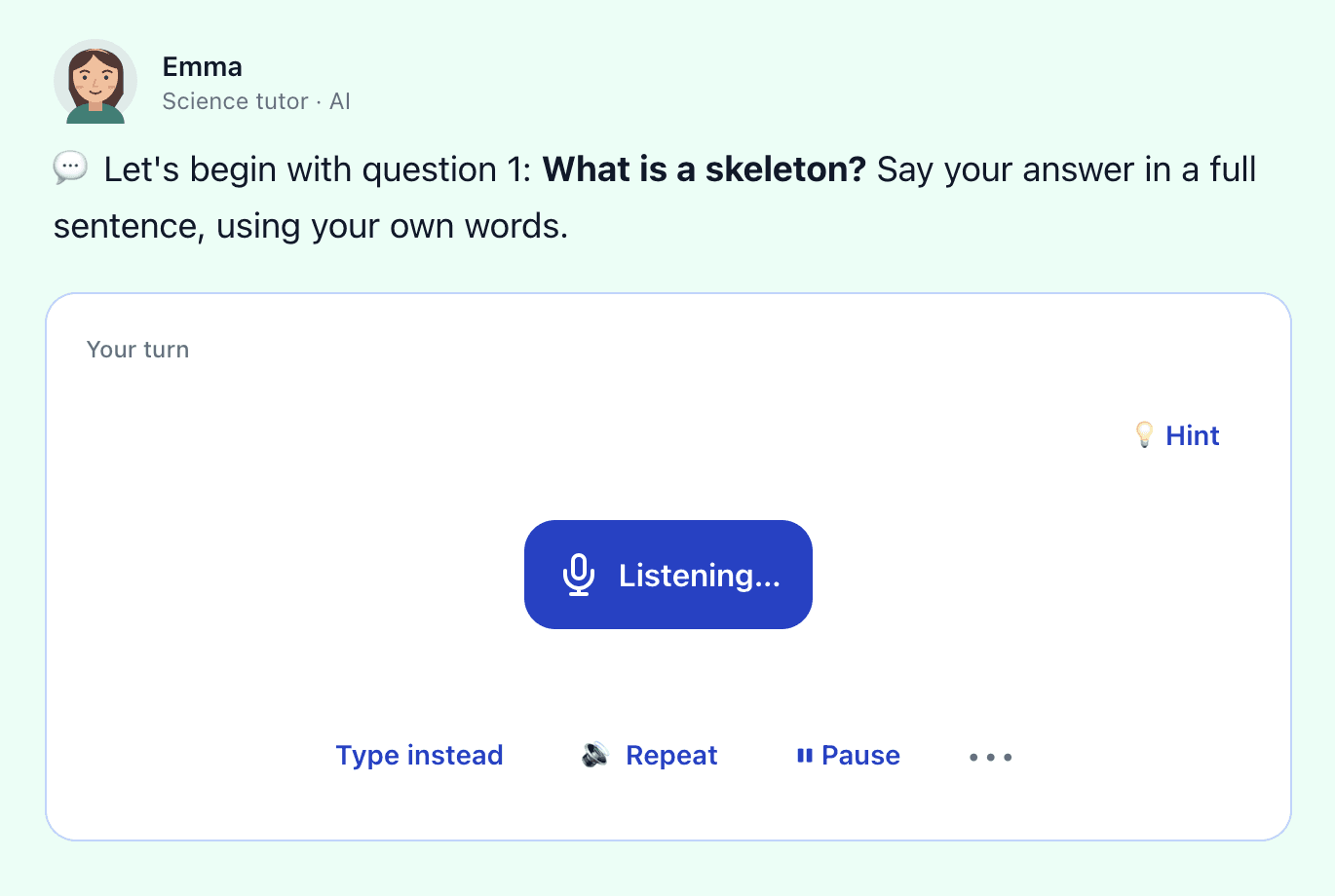
Talk or type
Children answer in the way that’s easiest for them.
An example
A wrong answer gets a hint first
What plants need to grow
The roots take in water from the soil. The leaves use light from the sun.
3. Which part of a plant takes in water?
Emma, the tutor
Which part of a plant takes in water? Think about the plant words you have just read, then answer in your own words.
Child
The leaves.
Emma, the tutor
Not quite. Think about the part of the plant that is down in the soil, not up in the light. Which part takes in water?
Child
The roots.
Correct, so the tutor moves on. In the Parent area you see that your child needed help with this question.
Real replies from SubjectPal’s tutor, on the example page you can try at the top of this page.
Compared with other help
Built for learning from the book — not just answering questions
Helping with homework yourself
You know your child best. But: Evenings are short, and the book may use a method you were never taught.
SubjectPal: Works from the page itself, so the explanation is the book’s, any evening. You see where help was needed.
A private tutor
A person who knows your child. But: Usually once a week, and paid by the hour.
SubjectPal: Help whenever homework happens, from the same school book. Start free; Standard is €29.99 a month.
Answer apps and AI chat
Fast answers to any question. But: Your child can copy the answer without understanding it.
SubjectPal: Starts from the page, asks a question and waits for your child’s answer, with a hint when they’re stuck.
Learning apps with their own exercises
Children like them. But: Their exercises aren’t the ones in your child’s book, and points and streaks keep children playing.
SubjectPal: The school book, in short lessons that end. No points or streaks.
For you
Not just right or wrong
See what your child worked out on their own, where they needed help, what they’re still practising, and what they remembered on a later day, when SubjectPal brought it back as a quick review.
How the tasks went
- On their own
- 12
- With help
- 5
- Still practising
- 2
- Remembered later
- 7
Research
What research says about AI tutoring
In a 2025 Harvard study, students who learned with an AI tutor learned more than twice as much, in less time, than in an active-learning class. We can’t promise the same for every child, but the idea holds: focused practice gets more done in fewer minutes. Read the study
Homeschooling several children?
Each child works through their own book with the tutor while you teach another, and you see what each one did.
Pricing
Try it first. Choose a plan when you’re sure.
Free
For families who want to see it work first.
€0 no card needed
- Up to 20 book pages
- 1 child
- Real lessons from your child’s own book
Most families
Standard
For families with one or two children.
€29.99 a month, or €299 a year (save €60.88)
- 400 book pages a month
- Up to 2 children
- Daily lessons in every subject you upload
Family
For bigger families and homeschoolers.
€44.99 a month, or €449 a year (save €90.88)
- 1,000 book pages a month
- Up to 5 children
- Daily lessons in every subject you upload
A private tutor is usually paid by the hour. SubjectPal is one monthly price for help on any evening, from the school book.
Every family starts on the free plan: no card needed. When your free pages run low, choose Standard or Family in the Parent area. Prices include VAT. A paid plan renews until you cancel, which you can do at any time. Changed your mind about a new plan? Ask within 14 days and get back the days you didn’t use (Terms).
Safety and trust
Designed so the book stays in the loop
The book stays at the centre
Lessons follow the pages your child is studying, and the page is always one tap away in the lesson. A PDF or photos of the pages are enough.
Parent visibility
See what your child did on their own, with help, and what they remembered later, in the Parent area.
AI can make mistakes
SubjectPal works from your book, but AI can still get things wrong. If something looks odd, check the page in the lesson.
Questions
Questions parents ask
Which books work?
Isn’t it just doing the homework for them?
What if my child doesn’t want to use it?
Will it mean more screen time?
How much time does it need from me?
What happens to our data?
What can’t SubjectPal do?
What happens when the free pages are used up?
Can I upload any book I have?
Try SubjectPal with one page
Use a page your child is learning now. See the first lesson before you create an account.
No account or card needed for the first lesson.